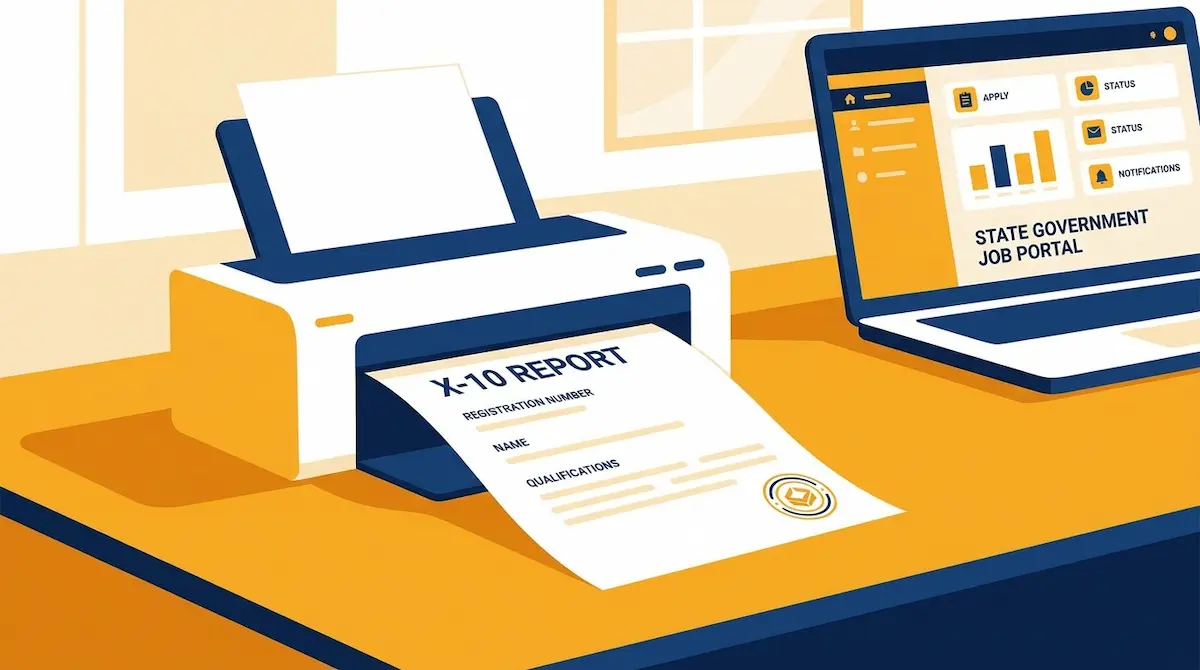
If you registered on the UP Sewayojan portal (now branded Rojgaar Sangam) and finished filling your profile, the system creates one document many jobseekers ignore — the X-10 Report. Skip printing it, and you can get stuck at a Rojgar Mela counter or during Berojgari Bhatta verification. Here is what it is, how to download and print it, and why officials ask for it.
What is the Sewayojan X-10 Report?
The X-10 Report is the official registration acknowledgment issued through the Sewayojan portal (sewayojan.up.nic.in) by the District Employment Office (Jila Sewayojan Karyalay) under the UP Department of Training & Employment. In plain terms, it is your proof that your name is recorded in the state employment exchange as a registered jobseeker.
It is generated only after you complete every profile section and submit the final Declaration. Until that step is done, the portal will not produce the report.
What the X-10 Report contains
A typical X-10 Report lists:
- Your jobseeker registration number and unique jobseeker ID
- Full name, date of birth, and category (reservation class)
- Educational qualifications recorded in your profile
- The registration date and the validity/expiry date (usually about three years ahead)
Because it carries your registration number and validity period, it works as a single-page summary of your standing on the portal.
How to download and print the X-10 Report
You can print it right after submitting your profile, or log in again later to take a fresh copy.
Step-by-step
- Open sewayojan.up.nic.in and click Log In (sewayojan.up.nic.in/IEP/Login.aspx).
- Select your role as Jobseeker, enter your User Id and password, solve the captcha, and submit.
- Confirm all nine profile sections are complete and the Declaration is submitted. If not, the report will not generate.
- Open the Print X-10 Report option from your dashboard.
- Use your browser’s Print Preview (Ctrl + P) and send it to your printer.
No printer? Save it as a PDF
In the print window, change the destination to Save as PDF instead of a physical printer. District employment offices and most Rojgar Mela counters accept a clean PDF printout, so you can keep it on your phone or get it printed at a shop later.
If you are still completing your profile, finish your Sewayojan registration first — the report only appears after the Declaration step.
Why Rojgar Mela and Berojgari Bhatta ask for it
At a Rojgar Mela (employment fair), the help desk and recruiters use the X-10 Report to confirm you are a genuine registered candidate before shortlisting. Carrying a printed copy alongside your certificates speeds up the on-the-spot verification.
For Berojgari Bhatta (unemployment allowance), your registration status has to be verified before the application moves ahead. The X-10 Report is the quickest way to show that your profile is active and within its validity period — which matters because approved payments are sent through DBT to your Aadhaar-linked bank account.
Registration validity and renewal
The expiry date printed on your X-10 Report is worth noting. Sewayojan registration generally stays valid for about three years. As the date nears, a renewal option appears on your dashboard. If you let it lapse, your access to Rojgar Mela invitations and bhatta-linked services can pause until you renew. Reprinting the X-10 Report after renewal gives you an updated validity date.
If the report will not print
- Nothing generates: a profile section is incomplete or the Declaration was not submitted. Complete all nine sections in order.
- Blank or broken page: switch browsers, allow pop-ups for the
.nic.indomain, and clear cookies. - Printer unavailable: use Save as PDF and print it later.
Frequently Asked Questions
Is the X-10 Report the same as registration proof?
Yes. It is the acknowledgment the Sewayojan portal issues to confirm your jobseeker registration, and it doubles as proof at melas and during bhatta verification.
Can I download the X-10 Report again later?
Yes. Log in to your jobseeker account anytime and use the print option to take a fresh copy with current details.
Is there any fee for the X-10 Report?
No. Sewayojan registration and the X-10 Report are free. No agent or website should charge you for it.